

You do not need to copy an example or use specific wording. Ask the question
as you would ask a colleague who understands your Site analytics.
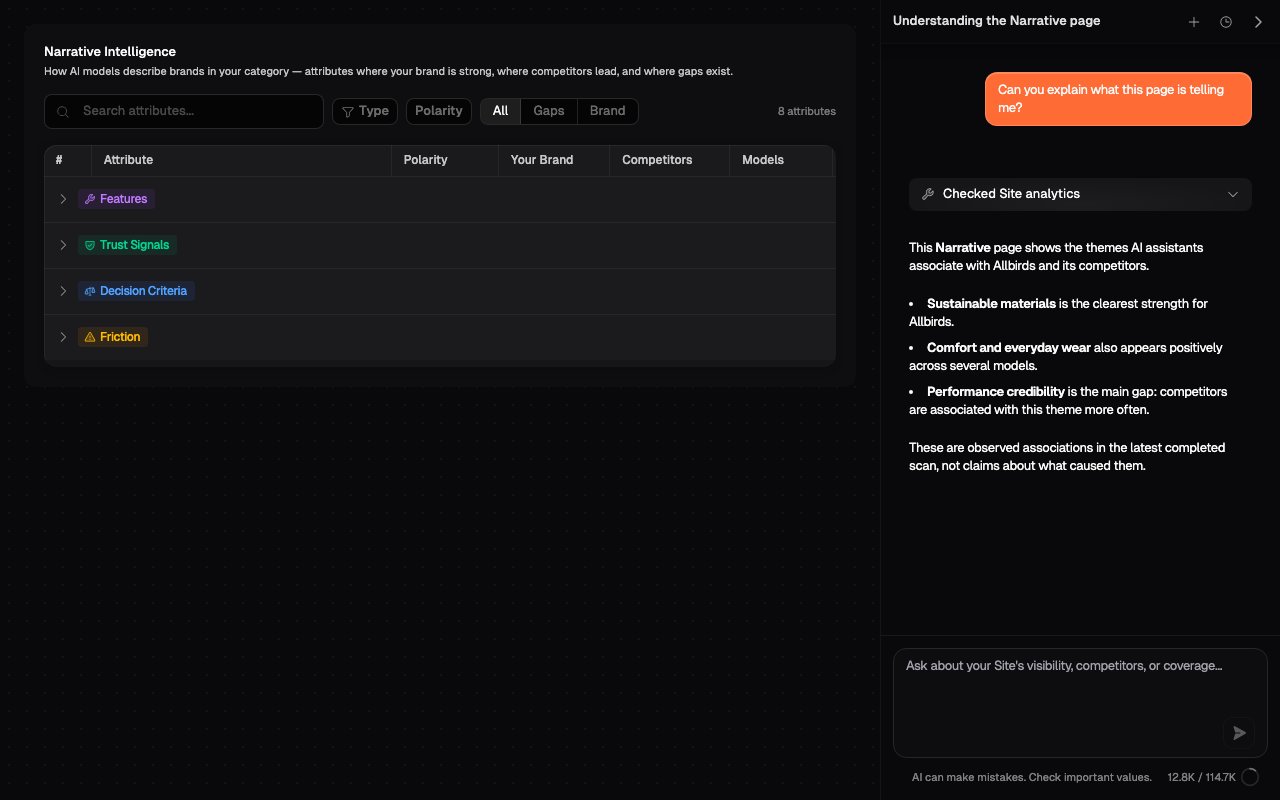
Ask in your own words
Questions can be short, detailed, analytical, or about using Onsomble. For example:- “What’s happening with our visibility?”
- “Why is Nike ahead of us in the latest scan?”
- “How do I add another Site?”
What the Assistant already knows
Every question is automatically associated with the current Site and the supported page from which you sent it. Earlier turns in the selected conversation are also available for follow-up questions.
The Assistant knows that you are on the Narrative page, for example, but it cannot see which row you opened or which filters you selected.
Add detail when it changes the answer
Start with the outcome you want. Add more detail only when the answer depends on it:- Period: latest completed scan, latest two scans, or last 30 days
- Subject: your Site, a competitor, prompt, model, region, or reference
- Breakdown: by model, region, prompt, brand, or date
- Evidence: aggregate values or the exact AI response
Compare our visibility with Nike and Adidas in the latest completed scan, broken down by model.You can still begin with a broad question. The Assistant may ask for clarification if two interpretations would produce materially different answers.
Continue the conversation naturally
Follow-up questions do not need to repeat the full original request. After asking about a competitor gap, you could continue with:- “Which prompts contribute most to that?”
- “Break those down by model.”
- “Show me the strongest underlying AI response.”
If the answer misses your intent
- Say which metric or result you meant.
- Name the selected period, model, region, prompt, or competitor.
- Ask what scope and evidence the Assistant used.
- Start a new conversation if the earlier discussion is unrelated.
What’s next
Understanding answers
Read activity, evidence, tables, links, and limitations.
Managing conversations
Continue an investigation or start again with clean context.