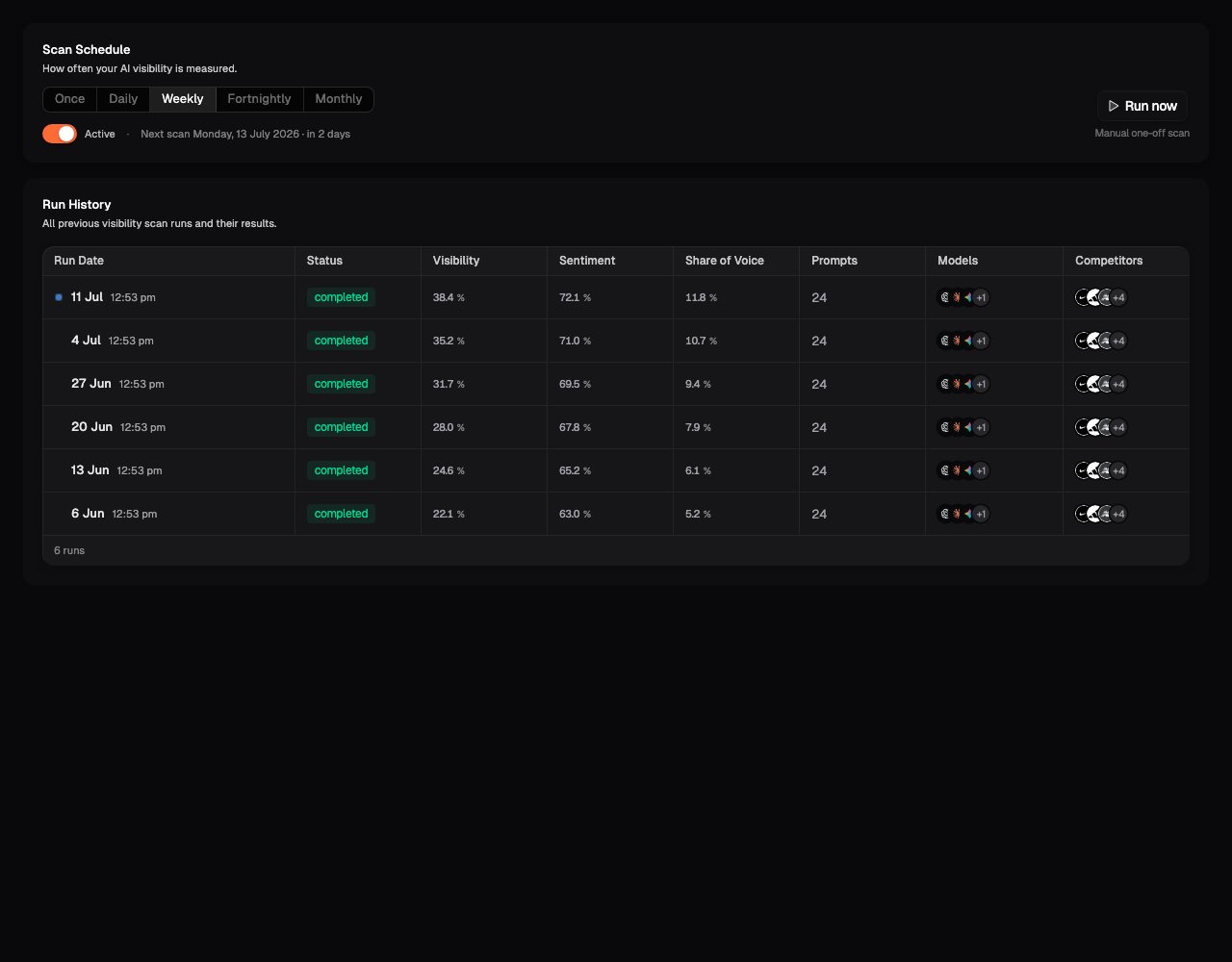
The Schedule page, under Scan Settings, controls how often scans run automatically, and holds the history of every run the Site has done.
Scan Schedule with cadence options and the Run History of past scans

Scan Schedule

Recurring scans are how you turn snapshots into trends. Toggle recurring scans on and pick a cadence:
  • Once: a single scheduled run
  • Daily
  • Weekly
  • Fortnightly
  • Monthly
Which cadences are available depends on your plan; options outside your plan point you to View plans. See Plans and entitlements.
If you’re actively publishing content or making discoverability changes, a faster cadence lets you see the impact quickly. Once things stabilise, step the cadence down. The trend line matters more than the sampling rate.

Run History

Below the schedule sits Run History: every previous visibility scan run and its results. Each run shows its status and headline outcome, and expanding Scan details shows what the run covered:
  • Prompts and Models: the configuration that run used
  • Total cells and Cells executed: how many prompt-model-region combinations the run covered
  • The run’s cost and its headline metrics
Run History is the place to answer “did that scan actually run?”, “what did last month’s scan cover?”, and “when did we change the configuration?”. Agencies reporting to clients on what was measured and when will use it constantly.

What’s next

Overview

Where fresh results land after each run.

Brand Scorecard

The trend lines your recurring scans build over time.