

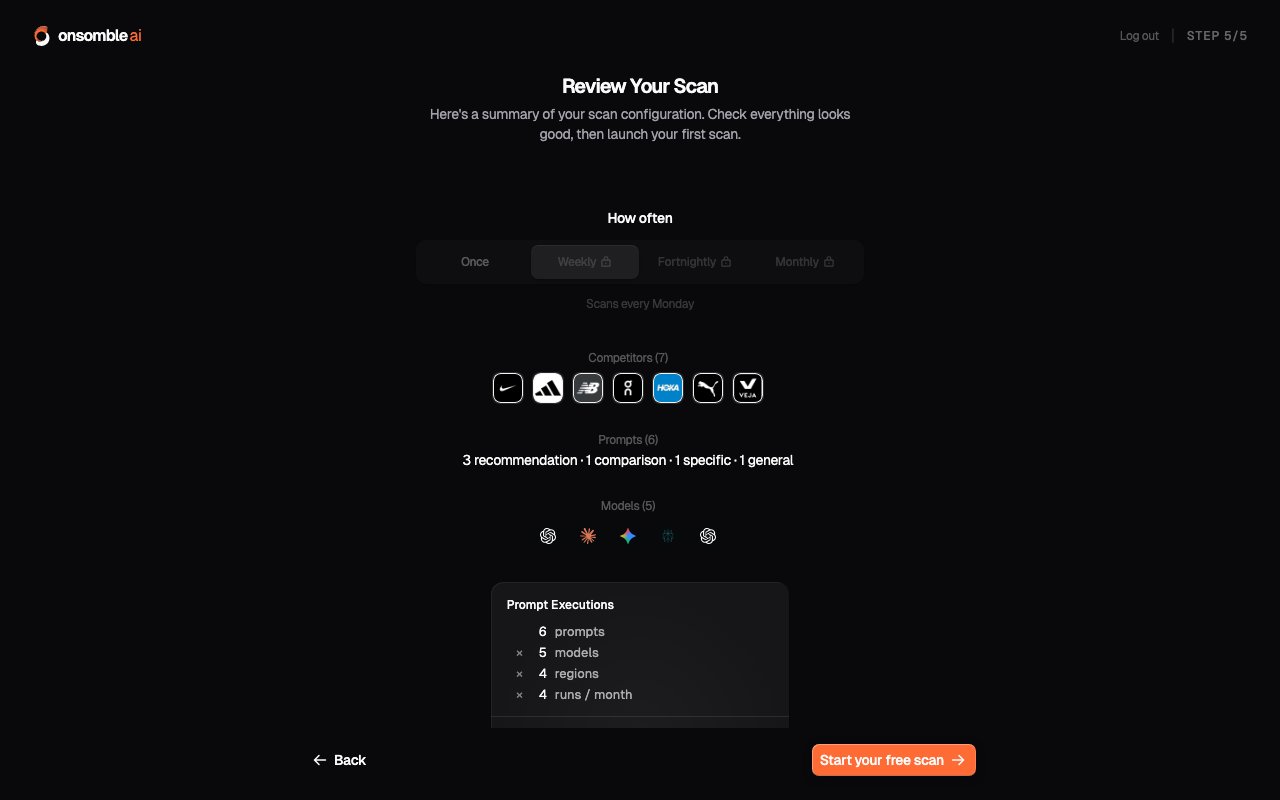
What a scan produces
When a scan completes, it refreshes every page under Insights for the Site:- The Overview headline: visibility, share of voice, and sentiment at a glance
- The Brand Scorecard trend lines against competitors
- Narrative, References, Prompt Results, and Region Exploration detail views
- Fresh Recommendations based on what changed
The four configuration surfaces
Everything a scan does is controlled from the Scan Settings group in the Site’s sidebar. Each page is covered in its own guide:Competitors
The businesses each scan measures you against, including ones Onsomble
discovers for you.
Prompt Library
The questions each scan asks, and the wizard that generates them from your
business profile.
Models
Which AI assistants each scan queries.
Schedule
How often scans run automatically, and the history of every run.
Scans and your plan
Your plan shapes how much scanning you can do:- Your first scan is free on every account: it runs during onboarding with no card required.
- Scan size: how many prompts and models each scan can cover: is governed by plan entitlements. Where you’re at a limit, the app offers an upgrade rather than a hard stop.
- Recurring schedules are available on paid plans; see Schedule.
Model behaviour changes as providers update their systems. A scan that returns
one picture today may look different in a few months even without any action
on your side. This is exactly why recurring scans matter: one-off scans are a
snapshot, trends are the signal.
What’s next
Understanding results
How to read what comes back from each scan.
Schedule
Set a recurring cadence and review past runs.